Every client thinks
they're your only client.
Consultants, contractors, agency folks, anyone carrying more than one book of work at a time. Two calls land on the same half hour and you have to pick one. Shoulder Surf sits on the desk, keeps the whole transcript, and catches you up on the one you stepped away from, so you walk back in knowing what you missed.

It runs on your phone, not on anyone's laptop
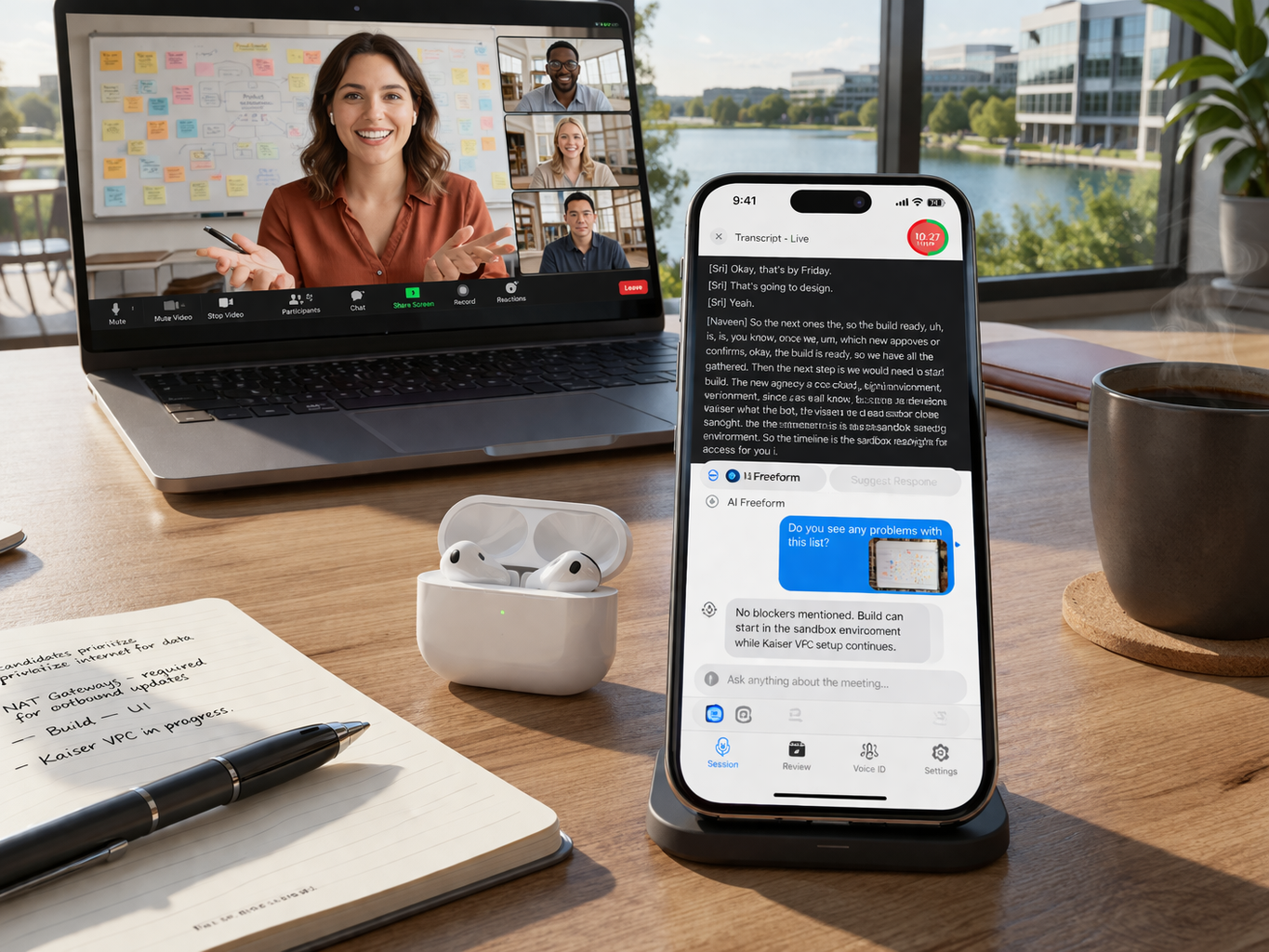
Shoulder Surf runs entirely on your iPhone. Set it on the desk and it works, with nothing to install on any machine anyone handed you, because there is nothing to install anywhere. Your meeting notes stay yours.
Nothing to install
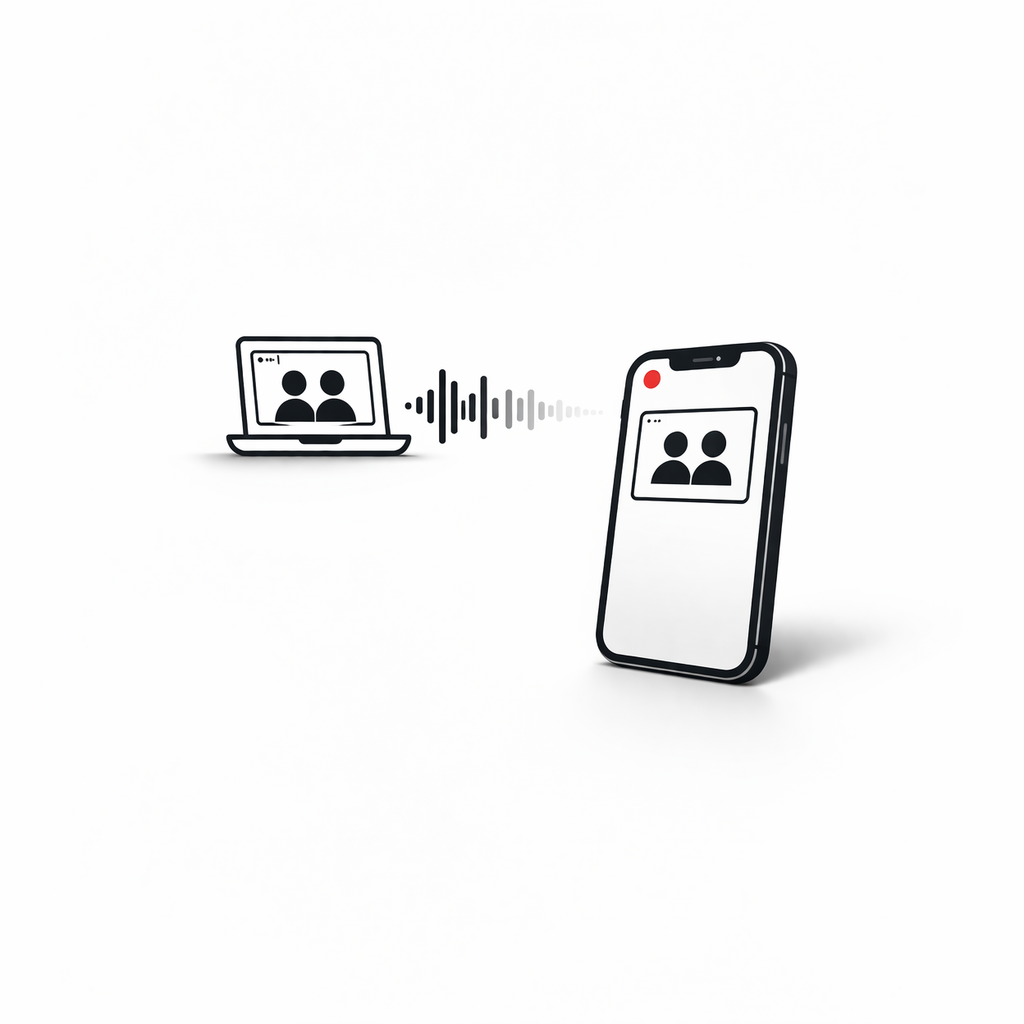
Set your iPhone on the desk with the rear camera facing your screen and start. No downloads, no setup, no configuration, on any machine.
Every client in its own lane
Tag every meeting to a project so each engagement stays its own thing. Ask about one and the answer does not drag another into it.
Your notes stay yours
Transcripts and summaries live on your device. You decide what, if anything, ever leaves it.
Reads the captions too
It can listen through the mic, or point the rear camera at your screen and read the meeting's own on-screen captions, so it keeps up even when the audio is rough.
Works everywhere
Zoom, Teams, Meet, phone calls, in-person meetings, conferences. If you're in a meeting, it works.
When both 10 o'clocks are the same 10 o'clock
The hard part of carrying several at once is not the work. It is the twenty minutes where two calendars sit on top of each other and you have to pick one. Shoulder Surf covers the one you did not pick.
Catch up in one tap
Come back to the meeting you stepped away from and tap Catch Me Up. One short paragraph on what was decided while you were gone, not a wall of transcript to scroll.
Answer without having heard it
Help Me Respond drafts something you could actually say, built from the part of the conversation you missed. Read it on screen before you unmute.
Keep the names straight
People remembers who turns up where, what they tend to care about, and what they are waiting on from you. Every roster stays separate, so nobody gets called the wrong name.
Nothing anyone else hears
Answers arrive on screen, or read privately through your AirPods or Bluetooth headphones. The room hears the meeting, you hear the meeting plus the answer.
How it works: split audio
Most meeting tools record or they assist, Shoulder Surf does both simultaneously. Your iPhone's built-in microphone listens to the meeting while AI responses play privately through your AirPod. Two independent audio channels, one device.
Transcribes speech in real time with speaker identification.
Tap a query mode or type a freeform question, the AI has full meeting context.
The response appears on screen. When you're ready, tap play to hear it through your AirPod.
Everything you need in a meeting
From the moment you start a session to the follow-up after it ends.
Live transcription
Real-time speech-to-text with speaker identification. Know who said what, as it happens.
Rolling summaries
Automatic summaries that update throughout your meeting so you never lose the thread.
Visual context
Capture slides, whiteboards, and documents with your rear camera. Attach photos to AI queries.
Ask anything
Tap to ask questions about your meeting in real time. Get answers powered by the full transcript.
AirPod delivery
Responses appear on screen first. Tap play to hear them through your AirPods when you're ready.
Action items
Automatically extract action items and save them directly to iOS Reminders.
Dynamic Island & Lock Screen
See who's speaking, track duration, and trigger AI queries without opening the app.
iCloud sync & backup
Meetings sync automatically between your iPhone and iPad. Audio files are backed up to iCloud Drive.
Try it free, no commitment
Sign in with your Apple ID and get about 5 hours of cloud AI free every month. No credit card, no subscription, no strings. Just try it.
If cloud AI isn't for you, use your own API key or the built-in Apple Intelligence models on supported devices, completely free, forever. See how we protect your keys.